
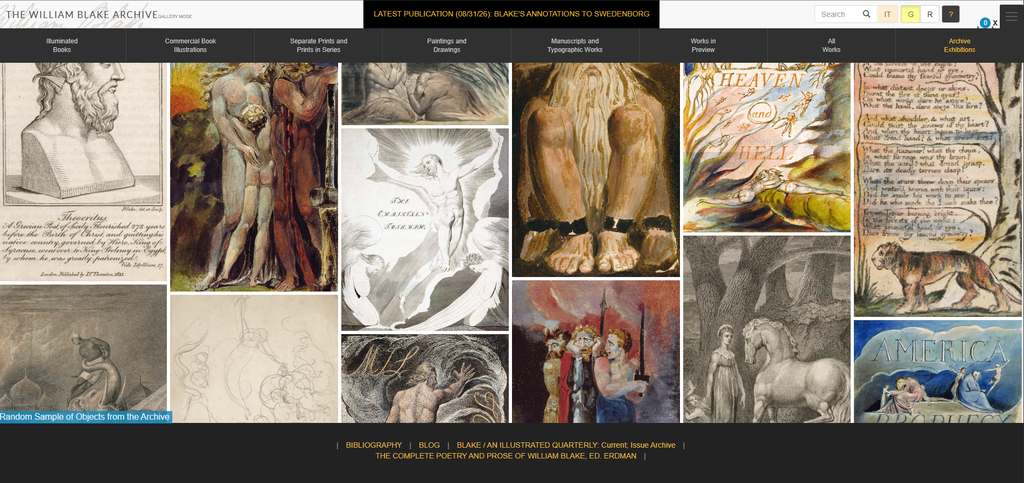
The William Blake Archive is a website that brings together the poetry, artwork, manuscripts, and illustrations of William Blake, an English poet and artist. Instead of having to visit different museums or libraries to see his work, people can explore it all online in one place.
What makes this website interesting is that it does more than just show pictures of his work. Users can zoom in on images, read the text, compare different versions of the same work, and learn more about its history. Overall, the archive shows how digital media can make historical artwork easier to access and give people new ways to explore and understand it.
What Can You Find?
The archive includes illuminated books, paintings, drawings, manuscripts, and engravings. It also provides transcriptions, editorial notes, image descriptions, and bibliographic information.
One useful feature is the navigation menu, which organizes the collection into categories. Users can browse illuminated books, commercial book illustrations, separate prints, paintings, drawings, manuscripts, and other works.
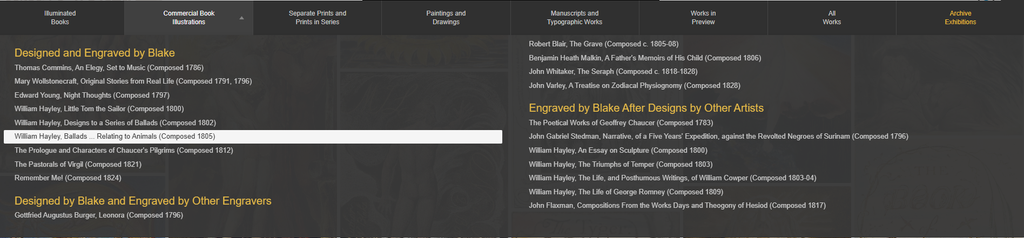
These categories are helpful for students researching literature, historians looking at old documents, or artists who want to learn more about Blake’s work. However, since there is so much to explore, it can be a little overwhelming for someone visiting the website for the first time and not knowing where to start.
Design and User Experience
The website keeps the focus on the artwork instead of having too many extra design elements. This works well because it lets users focus on the pieces themselves and the information provided about them.
Gallery Mode:
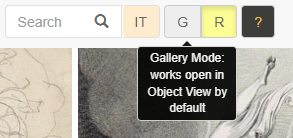
Gallery Mode shows artwork in a grid, letting users browse the collection and click on pieces they find interesting.
This makes the website more engaging because users can explore the artwork visually instead of reading titles or descriptions to find what they want.
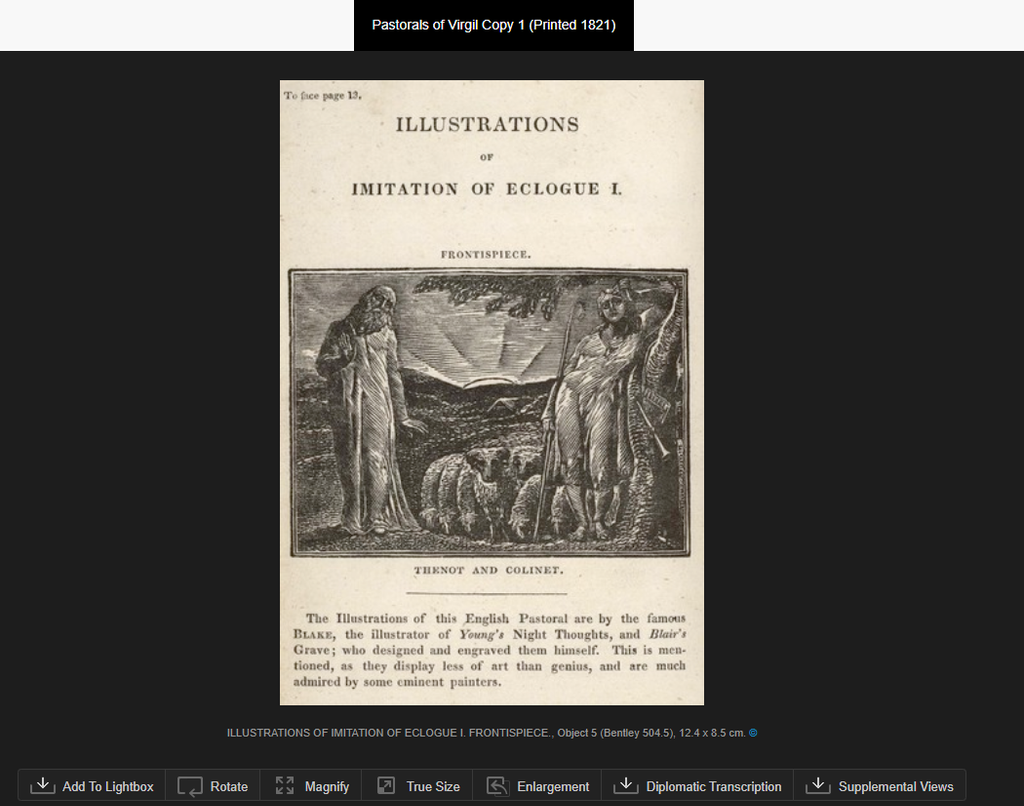
When users click on a piece of artwork, they can use different tools to get a closer look. This is helpful because they can zoom in and see details that might be hard to notice in a smaller image in a book.
Reading Mode:
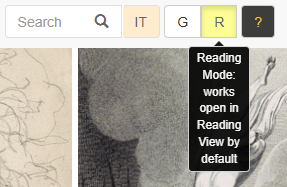
Reading Mode lets users view the artwork alongside its text and other information about the piece. This is helpful because Blake often included illustrations with his writing, so users can look at both together and get a better understanding of his work.
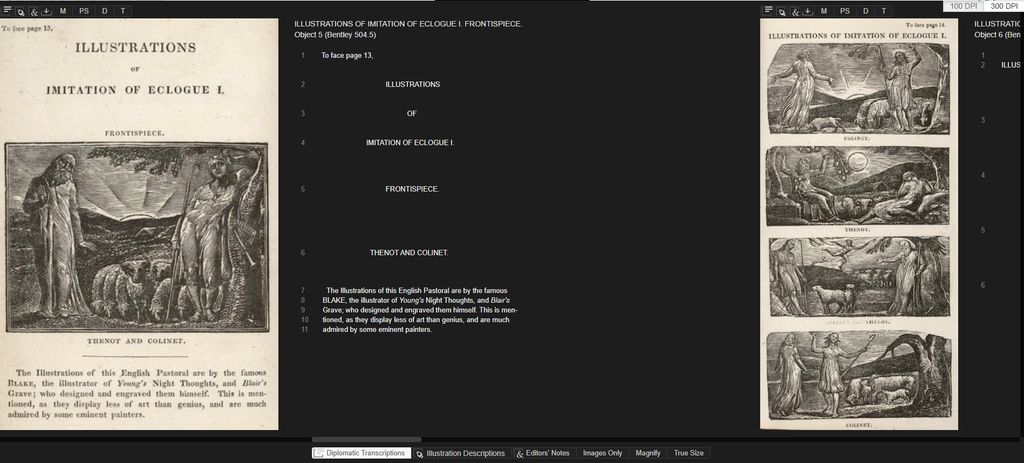
This feature is useful for people who want to understand how the artwork connects to the text. Instead of having to look at different pages or websites, users can see both in one place, making it easier to understand the meaning behind Blake’s work.
Lightbox and Image Tools:

The archive also has a Lightbox feature that lets users save and organize images they want to look at. There are also tools that let users zoom in, rotate images, and view them at their original size. These features make it easier to look at the artwork in more detail.
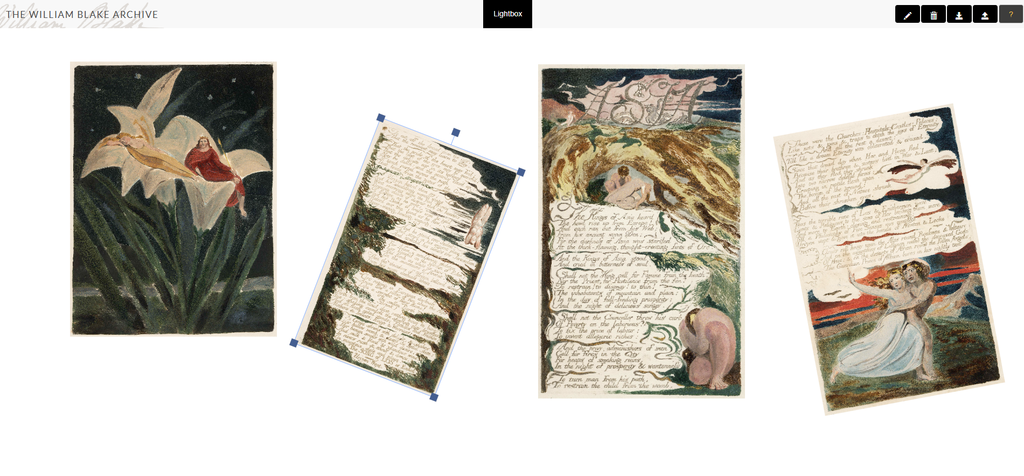
These tools are helpful because they let users see smaller details in the artwork that they might otherwise miss. They can zoom in on the images and look at them more closely while also reading information about the piece.
However, all the different buttons and options might be confusing for someone using the website for the first time. Having a short tutorial or clearer instructions on how to use the tools would make the website easier to navigate.
Accessibility
One of the best things about the archive is that it gives people free access to historical artwork they might not be able to see in person. Students, teachers, researchers, and anyone interested in art can explore the collection online from anywhere.
However, just because the website is free to use does not mean it is easy for everyone to access. To look into this, I used the WAVE accessibility checker to see if there were any issues with the website that could make it harder for some people to use.
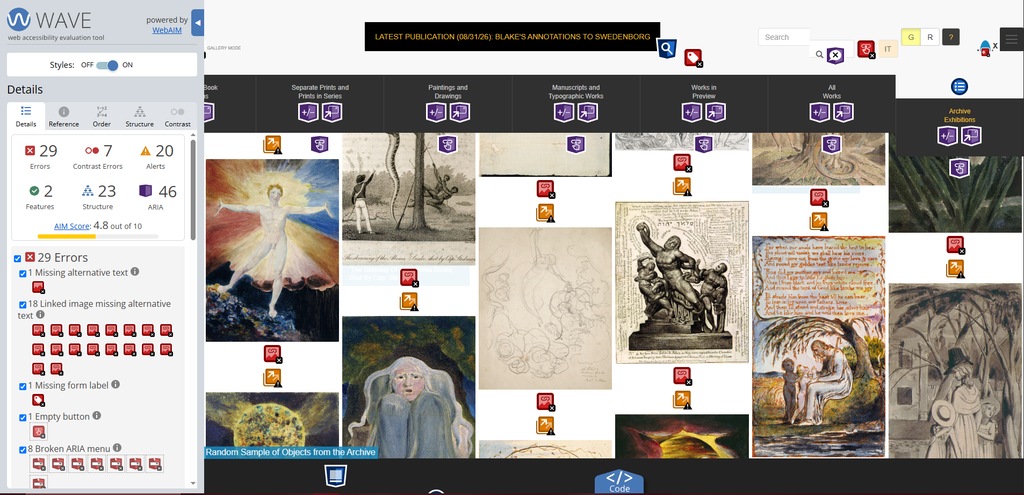
The WAVE report found 29 errors, including missing alt text on images, seven contrast errors, and issues with form labels, empty buttons, and menu elements. It also showed 20 alerts. These problems could make parts of the website harder to use for people who rely on screen readers or other assistive technology.
The contrast errors are also important because text needs to stand out from the background to be easy to read. However, the WAVE report does not explain every issue completely, so more testing would be needed to see how much these problems affect users.
Color Contrast:
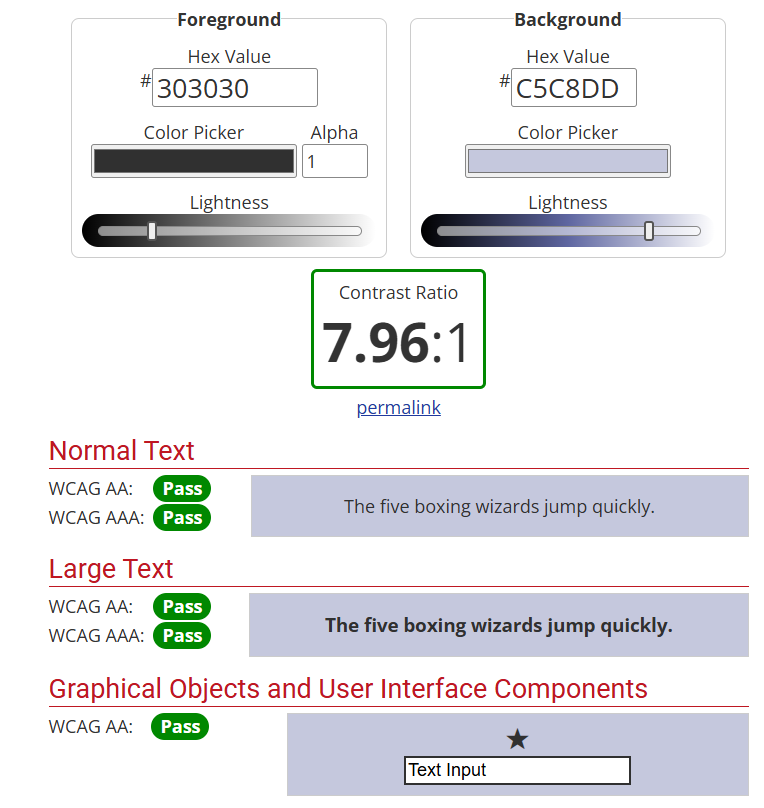
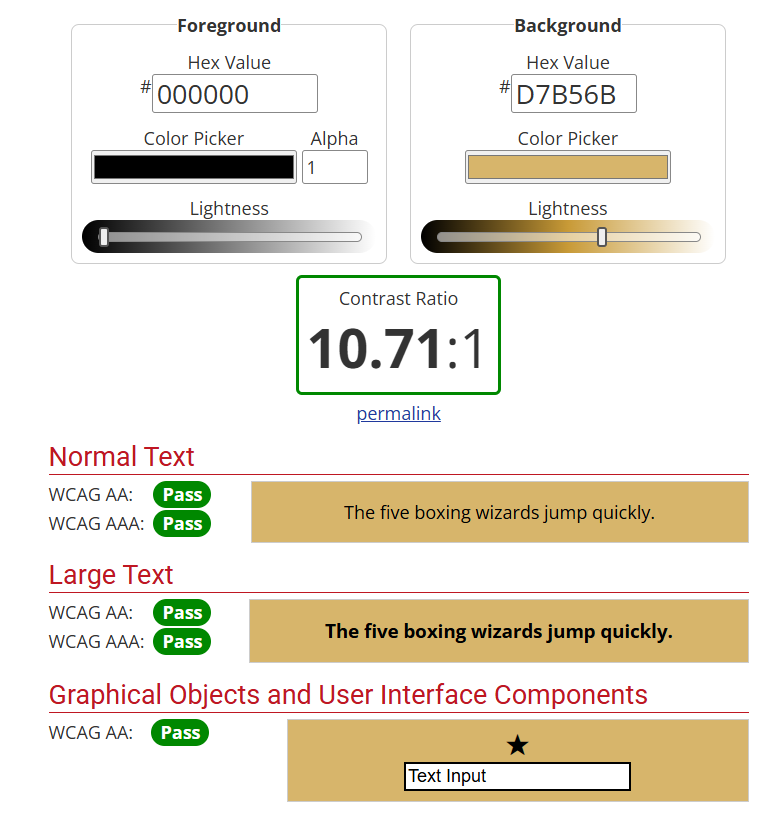
Both screenshots show that the text has good contrast, which makes it easier to read. However, these results only apply to the specific colors that were tested, not the whole website. They should be looked at alongside the WAVE report to get a better idea of the site’s overall accessibility.
Overall, the archive makes historical artwork easier for people to access, but there are still some things that could be improved. Adding alt text to more images, making sure buttons are properly labeled, and testing the website with assistive technology could help make it easier for everyone to use.
Strengths and Limitations
What Works Well
- The website is free to use and has a large collection of artwork and writing.
- Users can zoom in on images to see more details.
- Gallery Mode and Reading Mode give users different ways to explore the collection.
- The website includes information that helps users understand the artwork and its history.
- The tools make it easier to compare different versions of the same work.
What Could Be Improved
- The website can be a little confusing for first-time visitors.
- Some of the terminology might be difficult for people who are not familiar with digital archives.
- The WAVE report found accessibility issues that could make the website harder for some people to use.
- Looking at digital images is not the same as seeing the original artwork in person.
- Clearer instructions and accessibility improvements could make the website easier for everyone to use.
Final Review
The William Blake Archive is a great example of how digital media can be used to bring art, literature, and history together in one place. With its collection of artwork, searchable text, historical information, and different viewing tools, the website gives students, researchers, and anyone interested in Blake’s work a chance to explore it in more detail. Instead of just looking at an image, users can zoom in, compare different versions, and learn more about the meaning and history behind each piece.
Although the website can be a little confusing to navigate at first, especially for people who have never used a digital archive before, its features make it a useful resource. There are also some accessibility issues that could be improved to make sure more people can use the website comfortably. Even with these limitations, the archive does a good job of making historical artwork available to people who might not otherwise get the chance to see it in person.
But overall, the William Blake Archive shows how digital projects can make historical materials easier to access while also creating new ways to learn about and study them. Even though there are still areas where the website could improve, it’s a good example of how technology can make art and literature more accessible while giving people more opportunities to explore, learn, and discover things they might have missed otherwise.